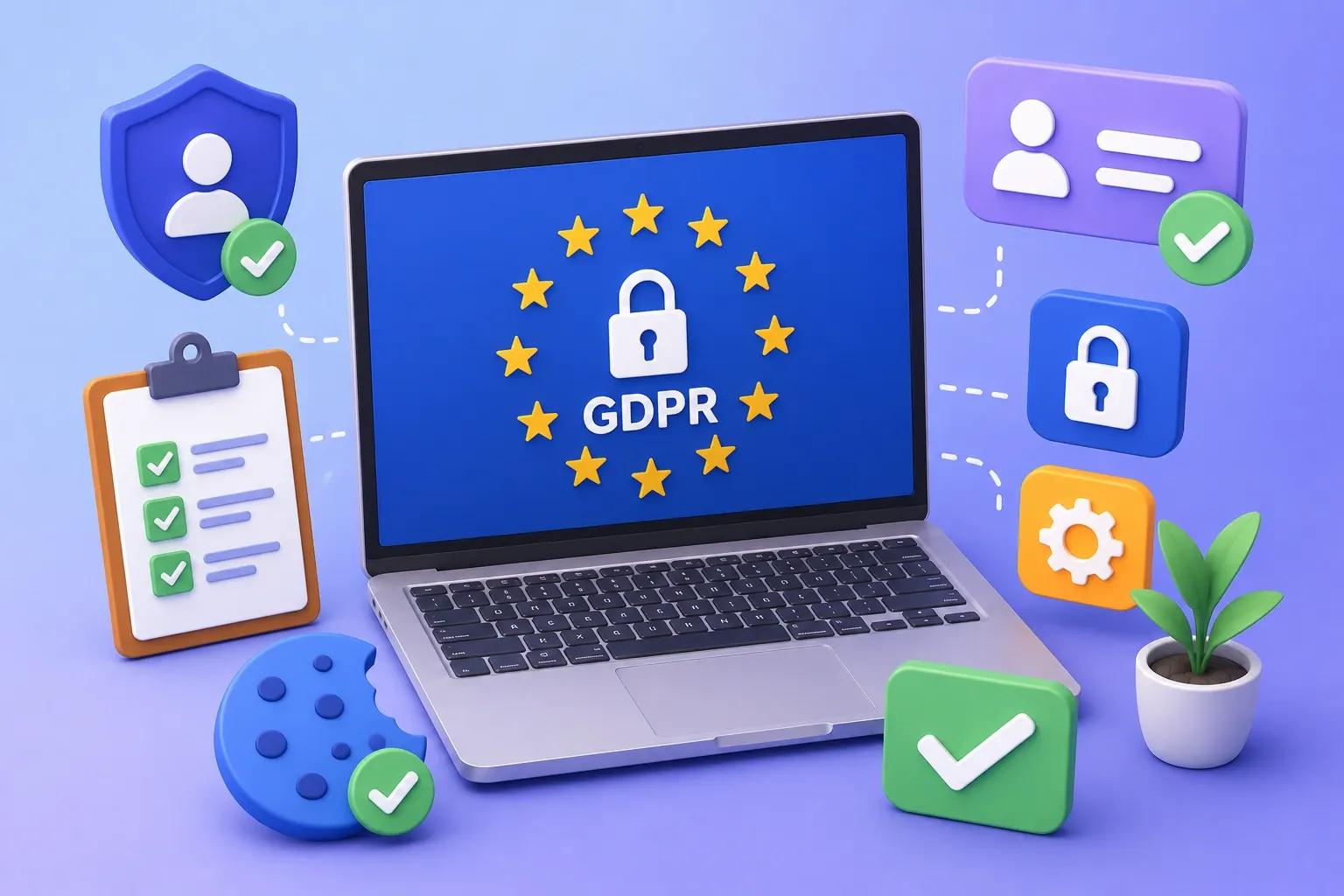
The GDPR is the most comprehensive data protection and privacy regulation to date. It establishes precise rules for how personal data is collected, transferred, processed, and stored. The regulation also grants the EU (Europian Union) citizens certain rights and protections
The GDPR is the most comprehensive data protection and privacy regulation to date. It establishes precise rules for how personal data is collected, transferred, processed, and stored. The regulation also grants the EU (Europian Union) citizens certain rights and protections regarding their personal information.
What is GDPR?
GDPR stands for General Data Protection Regulation. It’s the core of Europe’s digital privacy legislation. The privacy laws haven’t been updated since the 90s while technology has grown massively since then. We are using the Internet in a very different way than we did back then.
Especially in the last few years with the rise of social media, a lot of us feel that our personal information might be exploited or might not be used in a way that benefits us. That’s why the regulators came up with a new set of laws. It’s actually a very positive thing.
If you are planning on GDPR compliant to your website here, we provide guidelines on specific steps you can take to move your site toward GDPR compliance.
(1) Security Certificate The first thing you need is SSL on the website. An SSL is a security certificate that encrypts your website. If it’s done correctly you’re going to see Google’s green padlock on for browsing on Chrome.
(2) Legal Documents The second thing you need to take care of is updating your terms and conditions, privacy policy and cookies policy. Adding these will help you with Google’s ranking as when they’ll scan the website they’ll find these pages and rank you a little higher.
(3) Online Forms It’s very important that we ask for consent to use user’s information and now it’s actually mandatory. You need to make sure that at the end of every form, you have a little checkbox that is clearly telling people how you are going to use this information and why you need this form.
Make sure that this checkbox is ticked off by default. We need to remove any information that we are not actively using. Part of the rules is making sure that we do not keep information “just in case” you know.
(4) Re-ask for Consent Forth point is we need to re-ask everyone for their consent. You can easily do that with free tools like MailChimp or any kind of a newsletter software that will resend them an email asking for consent.
(5) Maintaining Your Website As a website owner, you have a responsibility to keep updating the website and making sure that no one can actually break in and steal other people’s information.
You need to make sure that you have a proper security system in place, sort of antivirus for websites. You need to deter hackers and spammers that wish to steal information from your website’s users.