Skip to content
konekt-globalv2-highress-1 (2).svg
Web DevelopmentMobile AppsSoftware & Web AppsHosting, Cloud & MaintenanceSEO Services
Industries
Microfinance & Digital LendingKredible — microfinance software for loan management, group lending, gold loans, and field collections.Education Technology SolutionsKampus — LMS, student enrollment, attendance, analytics, and mobile apps for Sri Lankan educational institutions.Retail Digital TransformationShopify, WooCommerce, ERP integration, Karts Loyalty, and delivery management for Sri Lankan retailers.
Products
Kampus-Sense-v2.webpKampus SenseAI agents for education — exam markers, course summarisers, AI tutors, and more. No AI infrastructure required.Kampus-Axis-v2.webpKampus AxisEnterprise Student Information System — manage the full student lifecycle from admissions to graduation in one platform.Kampus-Pulse-v1.webpKampus PulseWhite-label student mobile app for higher education — courses, live classes, GPS attendance, payments, and messaging on iOS and Android.
All products
Case Studies
About Us
Leadership
Careers
In the Press
Blog
Call usGet a Quote
  1. Blog
  2. Mobile App Development on macOS
Mobile Apps3 min readOct 14, 2020

Mobile App Development on macOS

Ddilan
a_clean_3d_isometric_soft_3d_illustration_of_a_d.webp

Android is a free and open operating system from Google that runs on all kinds of devices from phones, to tablets, and even televisions. Google provides everything to get started building Android apps for free while delivering capability to build Android apps on either Mac,

Android is a free and open operating system from Google that runs on all kinds of devices from phones, to tablets, and even televisions. Google provides everything to get started building Android apps for free while delivering capability to build Android apps on either Mac, Windows, or Unix. Apple also delivers iOS SDK(Software Development Kit) for free with basic registration, but with the necessity to become a standard or enterprise developer to get the developed app into the App Store.

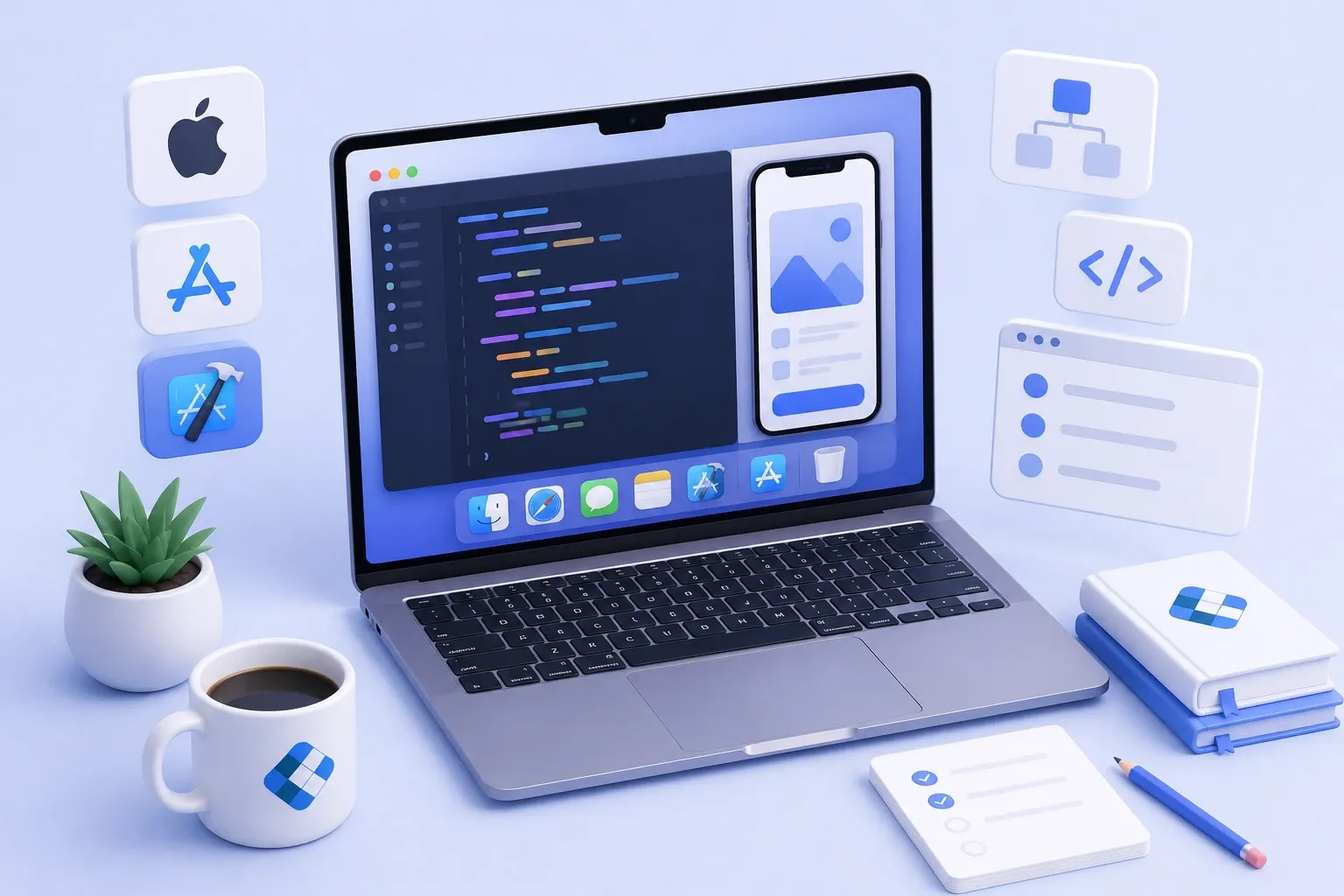
XCode is a full-featured IDE that can be downloaded for free from the App Store. When publishing iOS apps to the App Store, XCode(or XCode command-line tools with experience) becomes an important tool for the process of publishing the App. Integrated GUI editor helps to save time and quality of the design and full-featured design experience through Cocoa Touch. Cocoa Touch is the application development environment for building software programs to run on iOS mobile platforms.

‘Hello World’ app with XCode

After installation of XCode from the app store open the app and find the Welcome page.

Select “Create New XCode Project” on the welcome screen and you’ll be notified with some choices on iOS, watchOS, tvOS, macOS, and Cross-Platform sections, but select Single View App on iOS section to start on developing Hello World app with Swift language. Afterward, give a Product Name (The App Name), Team, Organization Name, etc.. Mainly select language as Swift and user interface Storyboard. Press Next and select a folder and select Create to save the project on storage and start developing.

Now, XCode will open its Development Environment prepared for iOS app development. The left pane of the XCode IDE is the Navigator. You can get familiarized with project coding files and the XCode user interface that is different for each type of file.

If you select Main.storyboard you will see an image of the phone with an empty background. The small button with the right arrow represents build and run on the iOS simulator/ device. When you click on it, if you haven’t connected to an iPhone with the Mac you will see an iOS simulator that is supposed to simulate an iPhone device. Within some time it will show an empty app screen just as you saw on the Main.storyboard’s design scene. After selecting this Main.storybord file, select the Object Library button represented with a plus icon. Then you’ll get an object catalog window with design object elements. Just drag the Button object to the storyboard design view. Once, horizontal and vertical guides are aligned and the button is centered stop dragging and release the button to set it in place of the storyboard scene.

After editing,

You need to establish a connection between the “Hello World” button and the showMessage(sender: UIButton) method you’ve just added, such that the app responds when someone taps the Hello World button.

Parakrama ThennakoonSoftware Engineer - Mobile

On this page
  • ‘Hello World’ app with XCode

Share this article:

Get Started

Ready to build something exceptional?

Tell us about your project. We'll respond within 24 hours with a tailored proposal — no commitment required.
+94 770 309 852info@konekt.lkNo. 285, 3rd Floor, Main Rd, Attidiya, Dehiwala, Sri Lanka

Get a Quote

Sri Lanka

Your information is secure and will never be shared.

Read Next

Konekt Shopify consultation and maintenance planning session

E-commerce

Why Shopify Stores Need Ongoing Maintenance and Support

Many businesses assume Shopify development is a one-time investment. Discover why ongoing maintenance, optimization, SEO, app management, and support are essential for long-term e-commerce success.

Modern SaaS style illustration comparing WordPress and Laravel website security for corporate websites

Web Development

WordPress vs Laravel for Corporate Websites: The Truth About Security and Enterprise Performance

Many businesses believe WordPress is insecure. Learn why leading Sri Lankan brands trust enterprise WordPress websites, what actually determines website security, and when Laravel is the better choice.

Website Vendor Guide choose the right website development partner

Web Development

How to Evaluate a Website Development Company in Sri Lanka: The Complete Vendor Selection Guide

Choosing the right website development company is one of the most important decisions for any organization undertaking a digital transformation initiative. This guide provides a practical framework to help Sri Lankan businesses evaluate website vendors based on technical expertise, security, user experience, support, and commercial value.

konekt-globalv2-highress-1 (2).svg

Sri Lanka's enterprise IT partner. Web, mobile, cloud, and eCommerce solutions delivered worldwide since 2016.

Services

  • Web Development
  • Mobile Apps
  • Software & Web Apps
  • Hosting, Cloud & Maintenance

Company

  • About Us
  • Case Studies
  • Industries
  • Blog
  • Careers

Contact

  • +94 770 309 852
  • info@konekt.lk
  • No. 285, 3rd Floor, Main Rd, Attidiya, Dehiwala, Sri Lanka

2026 Konekt

Privacy PolicyTerms of UseCookies