A retailer can have a polished online store and a capable in-store point-of-sale system, yet still lose time and customer trust if the two operate separately. Stock appears available online after it has sold in a branch. Teams re-enter orders by hand. Returns become difficult to trace. Finance has to reconcile reports that were never designed to agree.
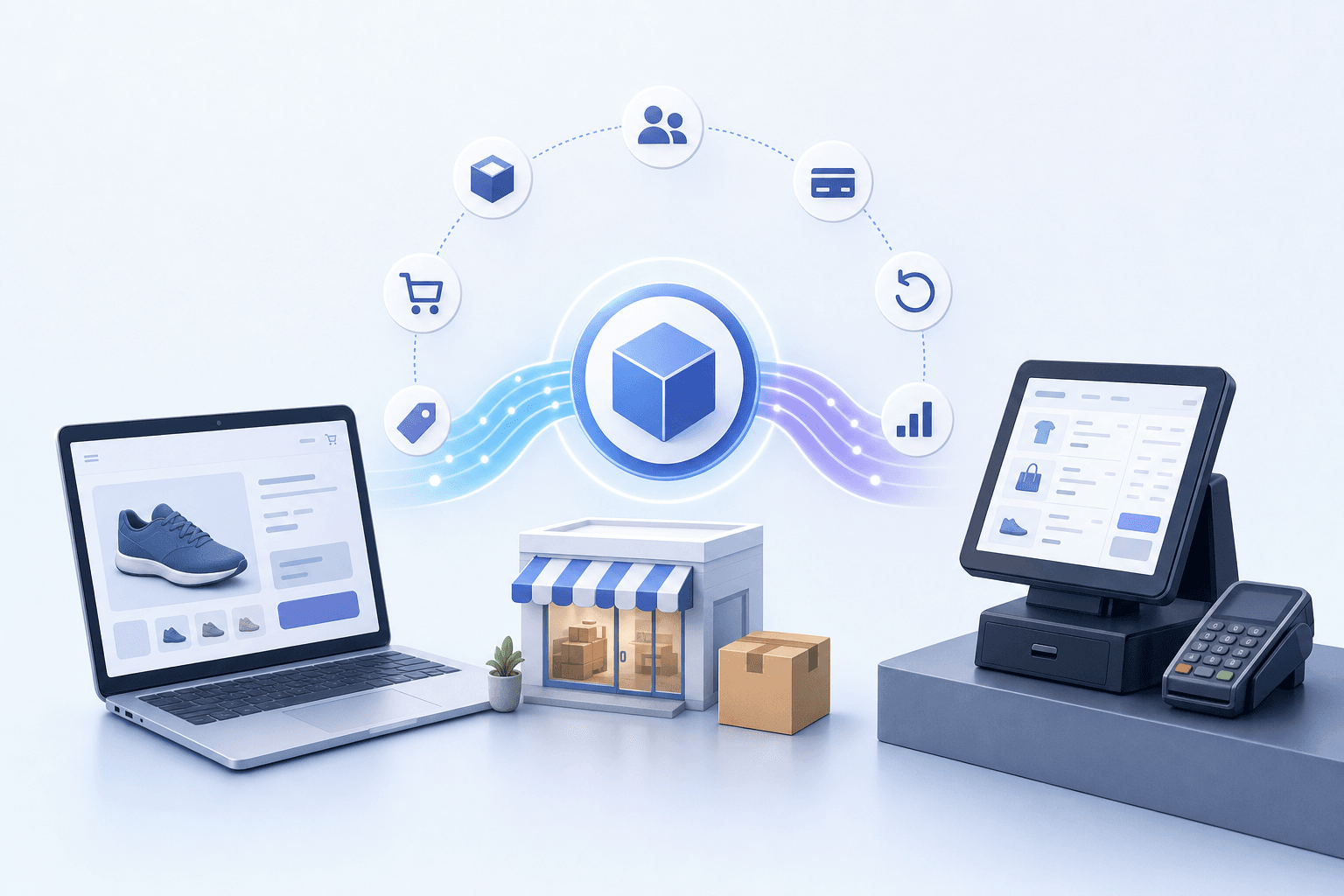
POS integration solves that problem by connecting the website and point-of-sale system so the right operational data moves between them automatically. For a retailer with physical outlets and an ecommerce channel, the goal is not simply to connect two applications. It is to create one dependable operating model for products, inventory, orders, customers, payments, and returns.
This guide explains how ecommerce POS integration works, the architecture options available, the data that should be synchronised, and the questions to resolve before implementation.
What Is POS Integration?
POS integration is the connection between a point-of-sale system and other business platforms. In a retail ecommerce project, it usually means connecting the in-store POS to the website, ecommerce platform, inventory system, ERP, loyalty programme, accounting platform, or delivery workflow.
A well-designed POS system integration can allow:
- An in-store sale to reduce the inventory shown online.
- An online order to appear in the operational system used by store or warehouse staff.
- Product and price changes to flow to the correct channels.
- Customer purchases to contribute to one customer history or loyalty profile.
- Returns, exchanges, discounts, and payment records to follow agreed rules across channels.
- Finance and operations teams to reconcile activity without rebuilding reports manually.
The integration may run in real time, on a short schedule, or as a combination of both. The correct design depends on how quickly each data type must update and what each connected system can reliably support.
Why Connecting the Website and POS Matters
Disconnected systems create small inconsistencies that compound as order volume, store count, and catalogue size grow.
More Accurate Inventory
If online and branch inventory are updated separately, overselling becomes likely. A customer may pay for an item that was sold in a store minutes earlier, while another branch may hold stock the website cannot see.
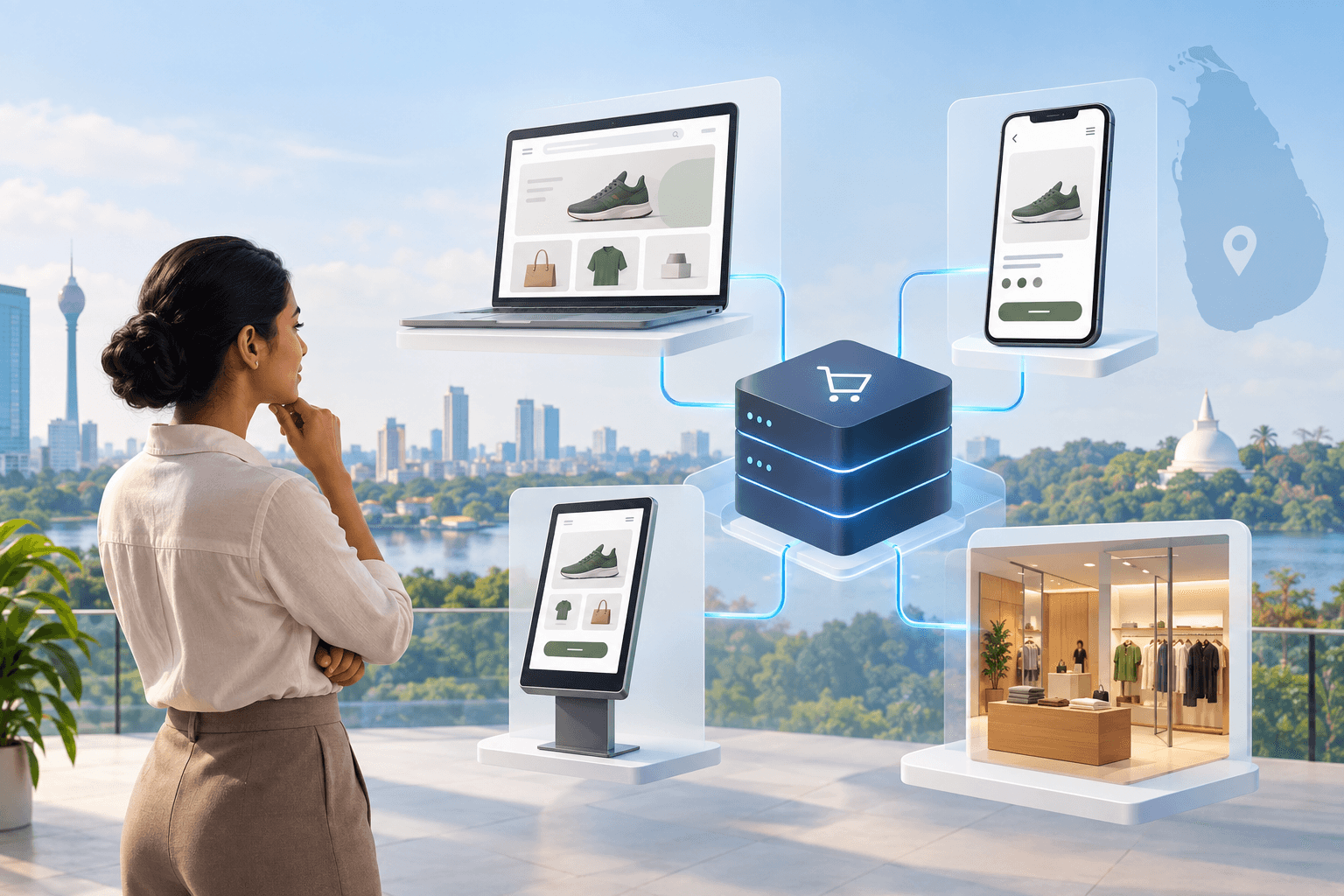
POS ecommerce integration can maintain stock by SKU and location. It can also support operational models such as click and collect, ship from store, branch transfers, and location-based availability, provided those workflows are designed into the project.
Less Manual Data Entry
Without integration, teams often copy web orders into the POS or ERP, update stock in multiple systems, and reconcile payment and order reports in spreadsheets. This consumes time and creates avoidable errors.
Automation should remove duplicate work while preserving the controls the business needs. Staff should handle genuine exceptions rather than re-entering routine transactions.
A More Consistent Customer Experience
Customers rarely think in terms of channels. They expect the business to recognise an order regardless of whether it was placed online or in a store.
Connected systems can make cross-channel services possible, including:
- Viewing stock before visiting a branch.
- Collecting an online order from a store.
- Returning an online purchase at an outlet.
- Applying promotions consistently.
- Earning or redeeming loyalty benefits across channels.
- Receiving accurate order and fulfilment updates.
Better Operational Visibility
When sales, stock, orders, and customer activity use consistent identifiers, management can see what is happening across the retail operation. That does not mean every system must be replaced by one platform. It means each system must have a clear role and the integration must prevent conflicting versions of the same record.
What Data Should a POS Integration Synchronise?
The most important implementation decision is not the integration tool. It is the data contract: what moves, in which direction, how quickly, and which system owns each field.
Products and SKUs
Each sellable item needs a stable identifier shared by the relevant systems. Product names are not reliable identifiers because they change and may be duplicated.
Map:
- SKU or product code.
- Variants such as size, colour, or pack.
- Barcodes.
- Product status.
- Tax category.
- Base price and channel-specific price rules.
- Images and descriptions, where appropriate.
The ecommerce platform may remain the better place for rich descriptions, images, search content, and merchandising. The POS or ERP may remain the source of truth for product codes, cost, and stock. The integration should respect that division.
Inventory by Location
Inventory is usually the most time-sensitive data flow. Define what each quantity means before mapping it.
For example, physical stock, available-to-sell stock, reserved stock, damaged stock, and stock in transfer are different values. Sending the wrong one to the website can create overselling even when the technical connection is working.
The design should also specify:
- How online checkout reserves stock.
- When cancelled orders release stock.
- How returns affect sellable inventory.
- How branch and warehouse locations are represented.
- What happens if an update is delayed or rejected.
Orders and Fulfilment
An online order may need to create a sale, reservation, fulfilment request, or invoice in the POS or ERP. Those are not interchangeable.
Map order identifiers, line items, discounts, taxes, delivery charges, payment status, fulfilment location, customer details, and status updates. Preserve the original web order number so support teams can trace a transaction across systems.
Customers and Loyalty
Customer data is valuable but sensitive. Decide whether the integration needs a full profile, a minimal identifier, or only a loyalty membership reference.
Plan for duplicate profiles, guest checkout, consent, account merges, and changes to phone numbers or email addresses. Role-based access and retention rules should be agreed before customer history is shared across systems.
Payments and Reconciliation
A POS integration should not be assumed to process every payment. The website's payment gateway and the store's payment devices may remain separate. The integration can still carry payment method, reference, captured amount, refund amount, and settlement status so finance can reconcile orders accurately.
Treat payment credentials and card data as a separate security concern. Only necessary references should move through the integration.
Returns, Exchanges, and Refunds
Returns expose weak integration design quickly. A customer may return an online order in a branch, exchange one variant for another, or receive a partial refund.
Document which system authorises the action, how the original order is found, where stock returns, how payment refunds are handled, and how both systems receive the final status.
Three Common POS Integration Architectures
There is no universal architecture. The best option depends on the existing POS, ecommerce platform, operational complexity, and expected scale.
1. Native Unified Commerce
The ecommerce platform and POS share the same underlying commerce environment. This can simplify core synchronisation because products, inventory, customers, and orders are designed to work together.
For retailers already using Shopify, a properly planned Shopify POS implementation may reduce the need for a separate connector for core commerce data.
Best suited to: retailers willing to align stores and ecommerce on one platform.
Watch for: local payment requirements, hardware availability, accounting or ERP connections, specialised promotions, and workflows that require additional applications.
2. Direct API Integration
The ecommerce website connects directly to the existing POS through application programming interfaces. This can provide close control over data mapping and business rules.
Best suited to: a POS with stable, well-documented APIs and a business with specific workflows that native integrations cannot support.
Watch for: API limits, version changes, authentication, retry logic, monitoring, and the long-term ownership of custom code.
3. Middleware or Integration Platform
A separate integration layer connects the POS, website, and potentially an ERP, CRM, loyalty platform, or delivery system. It can translate formats, route data, schedule jobs, log activity, and manage exceptions.
Best suited to: retailers connecting several systems or expecting the architecture to evolve.
Watch for: extra licensing, another platform to support, data latency, vendor dependency, and the need for clear monitoring and recovery procedures.
Some businesses use a hybrid design. Real-time APIs may handle inventory and order events, while scheduled jobs handle large catalogue or reporting updates.
How to Plan a Reliable POS Integration
A successful project starts with operating decisions, not connector installation.
Step 1: Define Business Outcomes
Write down the outcomes the integration must support. Examples include reducing overselling, eliminating manual order entry, enabling click and collect, supporting branch fulfilment, or improving payment reconciliation.
Prioritise the first release. Trying to connect every possible workflow at once increases delivery risk.
Step 2: Choose the System of Record
For each data domain, assign one system as the authority.
A practical ownership map may look like this:
- Product codes and stock: POS or ERP.
- Online descriptions and media: ecommerce platform.
- Web orders: ecommerce platform at checkout, then operational system after acceptance.
- Customer consent: the channel where consent was collected.
- Loyalty balance: loyalty platform.
- Financial posting: accounting or ERP system.
Avoid bidirectional editing unless there is a clear conflict-resolution rule.
Step 3: Audit the Existing POS and Website
Confirm what both systems can do in production, not only what appears in sales material.
Check:
- Available APIs, webhooks, exports, and import methods.
- Authentication and permission controls.
- API rate limits and expected response times.
- Product, location, customer, and order identifiers.
- Error codes and retry support.
- Sandbox or test environments.
- Vendor support and change-notification processes.
- Historical data quality.
If the POS has no suitable API, scheduled file exchange may still be possible, but the business must accept the resulting delay and operational controls.
Step 4: Map Every Data Flow
Document the trigger, source, destination, transformation, frequency, owner, and failure response for each flow.
For example, an in-store sale might reduce available online inventory immediately. A nightly product-cost update may not need the same urgency. A rejected online order should enter an exception queue rather than disappear.
Step 5: Design for Failure
Integrations will encounter timeouts, unavailable services, invalid records, duplicate events, and network interruptions. Reliability comes from handling those conditions deliberately.
The solution should include:
- Unique event and transaction identifiers.
- Safe retries that do not create duplicate orders.
- Logs that business and technical teams can trace.
- Alerts for failed or delayed flows.
- A queue for exceptions requiring human review.
- Reconciliation reports to confirm totals.
- A recovery procedure for outages.
Step 6: Secure the Connection
Use the minimum permissions needed for each connection. Protect credentials, encrypt data in transit, rotate access keys, and log administrative changes.
Limit the customer and payment information shared between systems. Security review should cover the integration layer, hosting environment, third-party applications, and staff access.
Step 7: Test Real Retail Scenarios
A successful test is more than creating one sample order. Test the awkward cases that happen during a busy trading day:
- The last unit sells online while a cashier is processing it.
- A payment succeeds but the order write-back times out.
- A customer returns an online order to another branch.
- A promotion applies differently online and in-store.
- A SKU is inactive in one system.
- A branch loses connectivity.
- A partial fulfilment or refund occurs.
- An integration event is sent twice.
Reconcile inventory, order, payment, and refund totals after testing.
Step 8: Pilot Before Full Rollout
Start with a controlled set of products, locations, or workflows. Train the teams who will handle exceptions and collect feedback from store, ecommerce, warehouse, customer service, and finance users.
A pilot makes it easier to correct mapping and operating rules before adding more locations or transactions.
Step 9: Monitor and Improve
After launch, monitor failures, latency, mismatched stock, duplicate records, and manual interventions. Assign an owner for each exception type and review recurring causes.
POS integration is an operational service, not a one-time data transfer. It needs maintenance when the POS, ecommerce platform, payment gateway, promotions, or business processes change.
POS Integration Readiness Checklist
Before requesting a proposal, confirm that the business can answer these questions:
- What problem must the integration solve first?
- Which stores, warehouses, and ecommerce channels are in scope?
- Which system owns products, inventory, orders, customers, and pricing?
- Are product codes and SKUs consistent?
- Does the POS provide a documented API or another supported exchange method?
- How quickly must each data type synchronise?
- How are reservations, cancellations, returns, and exchanges handled?
- Which local payment, tax, invoicing, accounting, and delivery workflows are involved?
- What should staff do if the connection is unavailable?
- Who will review exceptions and reconciliation reports?
- What transaction and catalogue volumes should the solution support?
- Which systems are likely to change during the next two years?
A partner should be able to turn these answers into a data-flow map, delivery scope, test plan, support model, and realistic cost estimate.
A Sri Lankan POS Integration Example
Konekt built a WooCommerce bookstore for Gateway College that connected to its existing MyPOS system through a REST API. MyPOS remained central to the operating model rather than becoming a disconnected system beside the website.
Parents authenticate using student information, grade-level book requirements are applied during ordering, online transactions write back to MyPOS, and inventory stays aligned across online and counter activity. In the first intake term, the college moved all book orders online, manual reconciliation was eliminated, and wrong-book returns fell to near zero.
The Gateway College WooCommerce and MyPOS case study shows why integration should be designed around the real process. The website, POS, customer rules, inventory, and staff workflow must operate as one system, even when several technologies are involved.
How to Choose a POS Integration Partner
Look for a partner that can work across commerce, APIs, data, cloud infrastructure, testing, and post-launch support. Product knowledge alone is not enough if the implementation must connect an established POS, custom business rules, or local operating systems.
Ask potential partners:
- How will you decide which system owns each data field?
- How will the integration prevent duplicate orders and stock updates?
- What happens during an outage?
- How will staff identify and resolve failed records?
- How will you test returns, partial refunds, promotions, and multi-location inventory?
- What monitoring and support are included after launch?
- How will future API or platform changes be managed?
- Can you demonstrate relevant ecommerce and integration work?
Konekt provides retail digital transformation solutions, Shopify development and retail integrations, and custom web and API implementation for businesses that need their channels and operational systems to work together.
Connect Your Website and POS with a Clear Plan
POS integration can turn separate online and in-store operations into a coordinated retail system. The value comes from accurate data, fewer manual steps, dependable exception handling, and customer journeys that continue across channels.
The right first step is a short discovery exercise: document the systems, ownership rules, critical workflows, and failure scenarios before choosing an integration method.
Book a consultation with Konekt to review your current POS, ecommerce platform, inventory flows, and rollout requirements. You will leave with a clearer view of the practical integration path for your retail operation.